
Two doors: how sign-in works in Justflows 0.3.6
Your customers and your editors now sign in at different places, and the server makes sure neither door gives away the other. Here is why we split them, and what it took.
Most CMSs have one login page. Your customers use it, your editors use it, and so does every bot trying passwords. That is convenient, but it mixes two very different groups behind one door, and it makes a lot of security advice hollow.
Take the classic tip: move your admin to a secret URL. In Justflows you could already do that under Security → Admin URL. Until 0.3.6, though,
/login still accepted staff passwords, and after a successful sign-in it happily sent you on to the hidden admin path. So moving the admin neither stopped password guessing nor kept the path a secret. In 0.3.6 we fixed that properly, and on the way we gave members a sign-in that actually looks like your site.Every flow exists twice
There are now two surfaces, one per audience:
- Members (visitors, customers, subscribers) use
/login,/register,/forgot-passwordand/reset-password. These pages use your theme and are edited in the page builder. - Staff (anyone who lands in the admin) use
<admin path>/login,/forgot-passwordand/reset-password, in the admin's own design. There is no staff registration: staff are invited.
Once the admin path is moved,
/admin/login and the rest of /admin/* answer 404. The member pages never link to or name the admin path.Hiding a page is not enough
Both surfaces post to the same API, so hiding the staff page alone would change nothing for a script. Each request therefore says which surface it came from: the admin pages send the admin path they were loaded from, the member pages send nothing. A request only counts as an admin request when that path matches exactly.
From there, the rules are strict:
- Sign in. A staff account on the member page gets exactly what a wrong password gets: the same status, the same body, the same delay. It happens before any two-factor prompt, so nothing confirms the password was right or that the account is staff. The attempt is still audited.
- Forgot password. The member page never mails a staff account, and the admin page never mails a member. Either way the reply is the usual "if an account exists, a link is on its way".
- Reset password. A reset link only works on the surface it was mailed for. A staff link points to the hidden admin path, so that path only ever reaches its own owner.
The result: guessing staff passwords at
/login is pointless, and nothing on the public side of the site tells you where the admin lives.Sign-in pages that look like your site
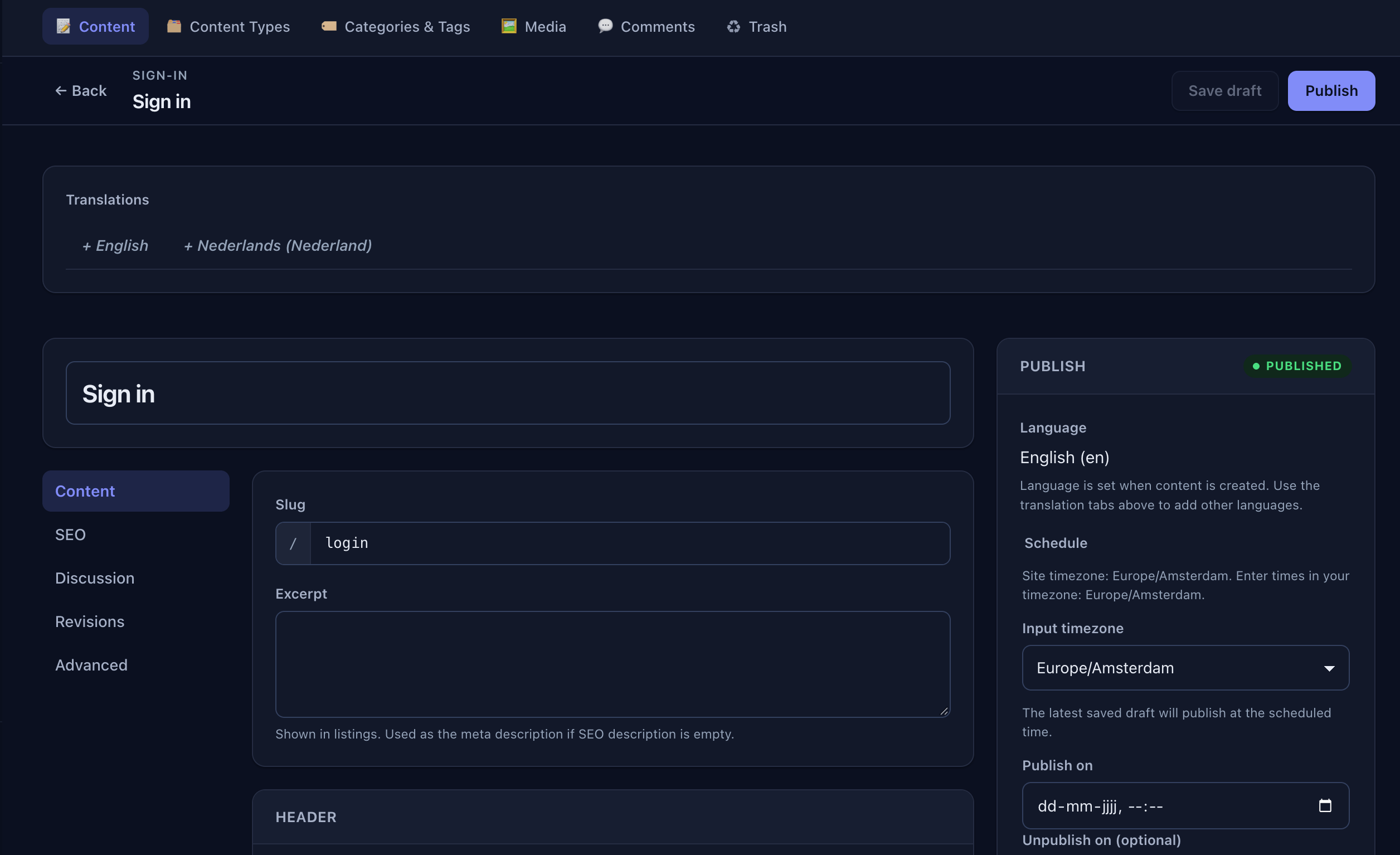
The member pages are four normal pages of a new built-in Sign-in content type, under Content → Sign-in. Each holds an Account form block that renders the actual form: sign in, create account, forgot password or reset password. Around it you can put whatever you like, with your theme's header, footer and styles.
Because these pages carry credential forms, the content type locks a few things down that no setting, theme or plugin can weaken: they are sent with
private, no-store, they are noindex, and they stay out of the page cache, search, sitemaps, static exports and public content APIs. The reset page also strips the token from the address bar before anything else runs.Signed in, on a fully cached site
Here is the tricky part. Justflows serves public pages from a shared cache, and that is a big part of why sites are fast. But a cached page cannot know who is looking at it. So how do you show My account instead of Log in?
The server always renders the signed-out version. When you sign in, Justflows also sets a tiny readable cookie,
jf_signed_in=1, that carries no identity at all. A small script sees it, asks /api/auth/status who you are, and fixes the links up in the browser: sign-in links become My account, register links disappear, and the header gets Sign out. Anonymous visitors never make that request, and the page stays cached for everyone.// What /api/auth/status returns: no role, never the admin path
{ "signedIn": true, "email": "you@example.com", "accountUrl": "/account" }When the site is closed
A site in maintenance mode or not yet public now closes the member door too: the sign-in and account pages show the maintenance page, and the member side of the API answers 503 before it looks up any account. The staff sign-in, the management API and MCP stay open, so you, your deploy scripts and your AI agents can keep working on the site while visitors wait.
What you need to do
Mostly nothing: existing sites get the four member pages the first time one of the URLs is opened, and pages you already customized are left alone. One habit has to change. Staff now sign in at
Justflows 0.3.6 release notes/admin/login (or your custom admin path), also on sites that never moved the admin. If your fingers type /login, update the bookmark.✌️
Thanks for reading!
Find more posts on the blog or star Justflows on GitHub.