
Letting AI agents into plugins, without letting them out of the site
In Justflows 0.3.6 a plugin can offer its routes to AI agents as MCP tools. The hard part was not the feature, but deciding what an agent must never be able to do, whatever a plugin says.
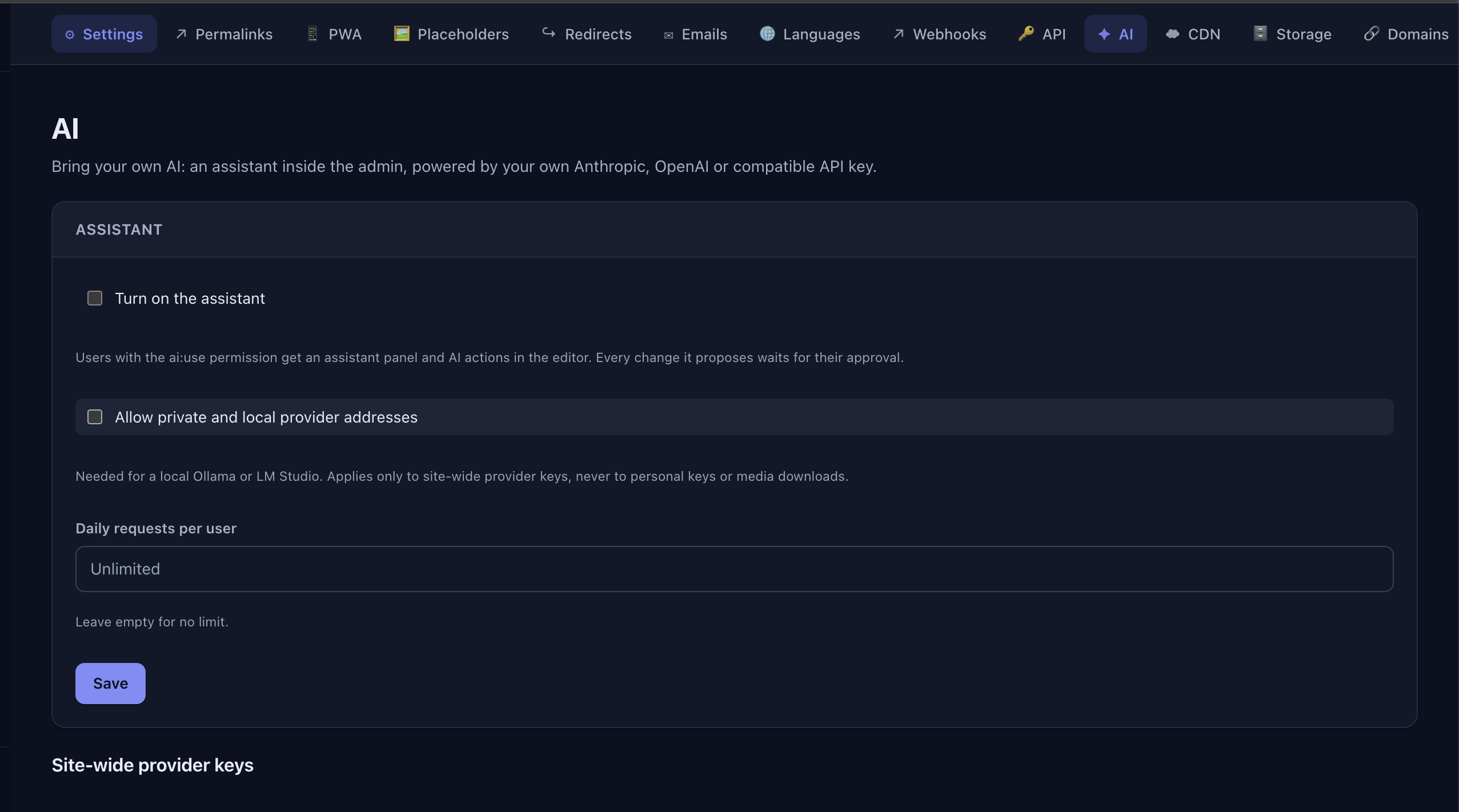
Every Justflows site runs an MCP server. Connect Claude, ChatGPT, Cursor or VS Code to it and your agent can write posts, fix menus, update the footer or tag your archive, with the permissions you give it. This blog is written and maintained that way.
Until now, agents could only use what the core offered. Plugins like Shop have plenty that an agent could help with, from product prices to orders, but no safe way to expose it. In 0.3.6 they get one. Building the feature was the easy half. The harder half was deciding what an agent must never be able to do, whatever a plugin decides.
Opt-in, route by route
Nothing a plugin does is offered to agents unless the plugin asks for it. A plugin opts in per route, with the new
mcp option:ctx.http.put("products/:id", saveProduct, {
mcp: {
name: "acme_products_save",
description: "Save a product's price and stock. Read it first with acme_products_get.",
capability: "products:update",
inputSchema: { type: "object", properties: { price: { type: "string" }, stock: { type: "integer" } } },
},
});The tool runs the route's own handler. There is no second code path for agents, so the plugin's validation, permission checks and side effects stay in one place. Path parameters become required arguments, and the rest is the query string or JSON body, as for any other caller.
- The tool is listed only on sites where the plugin is active, and only to sessions that hold the capability it names. Turn the plugin off and the tool is gone.
- GET tools are read-only. Everything else is written to the audit log, without its arguments.
- The route's rate limit applies per agent. Upload routes cannot be tools, and files are never passed to the model.
The old way, plugins registering arbitrary handlers through an
mcp.tools filter, is switched off. Those handlers ran outside the route system, with none of its checks. We broke them on purpose.Keys that grow with your plugins
Agents reach your site with an API key or an OAuth grant. Two changes make plugins usable with them. First, the same
jfk_… key now works on plugin routes directly, with all the management API's checks: revocation, expiry, IP and Origin allowlists and rate limits. Second, a "Full admin" key used to hold only the capabilities that existed when you made it, so it could never use a plugin installed later. Now a site:admin key picks up plugin capabilities as plugins are added, as long as its owner still has them. Core capabilities never widen this way.What an agent can never do
Justflows can host many sites in one installation, grouped in workspaces. Plugins with the
platform:tenancy permission are allowed to manage workspaces and their limits. Before 0.3.6, such a plugin active on a hosted site could manage every workspace in the installation, and raise its own limits. With agents in the picture, that was not acceptable.So the host now draws the line itself. When an AI agent, API key or connected app is behind a call, the host refuses workspace operations (listing, creating, suspending or deleting workspaces, adding sites) and limit changes. It marks the call before any plugin code runs, and the mark follows every hook the call triggers, so a plugin cannot launder the request through an event. These operations also only run on the installation's root site now. An agent's key belongs to one site, and it stays there.
Keeping secrets out of the context window
A tool result goes straight into a model's context, and from there possibly to an AI provider. So before anything is returned to an agent, or sent to a provider by the admin assistant, Justflows filters it. Credential fields, settings that name secrets, environment-file text, private keys, authorization headers, credential URLs and known installation secrets are redacted, also when they are nested inside JSON from a plugin. Results that cannot be inspected, like binary data, fail closed.
Agents also have no way to the filesystem: no shell, no SQL, no file browser, and no reading theme or plugin source. MCP resources are limited to the built-in authoring guides and the current site's content types.
Why the host, and not the plugin
We could have written guidelines for plugin authors: check who is calling, don't return secrets, don't touch other workspaces. Most would follow them. But a CMS runs other people's code, and security that depends on every plugin being careful is not security. Each of these rules lives in the host, below the plugin, where one mistake in one plugin cannot undo it.
If you write plugins, the AI documentation has the details. If you just run a site: update to 0.3.6, and your agent can start using the plugins that support it.
Justflows 0.3.6 release notes✌️
Thanks for reading!
Find more posts on the blog or star Justflows on GitHub.