
Stripe in Justflows Shop: checkout, wallets, subscriptions and disputes
Shop 0.3.2 turns Stripe into a full payment gateway: Payment Element or Stripe Checkout, Apple Pay, Google Pay and local methods, saved cards, Stripe Billing subscriptions, refunds, disputes and Radar, with webhooks Shop sets up for you.
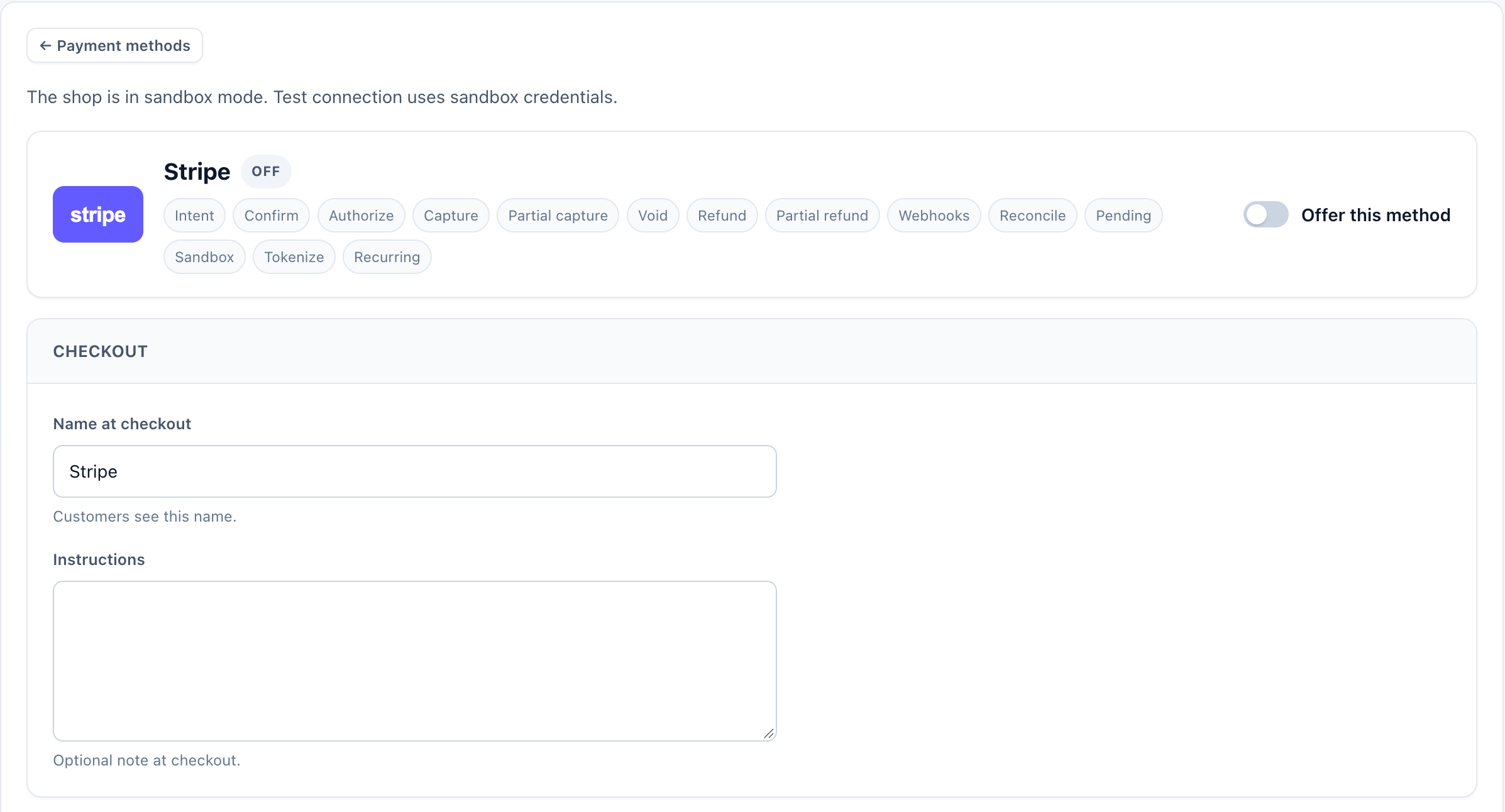
Until now, a Justflows shop that wanted to take payments online used Mollie. Stripe was listed as a payment provider, but it could not actually take a payment. With Shop 0.3.2 that changes: Stripe is a full payment gateway, from the first card payment to subscriptions, refunds and disputes.
It was built in nine steps, one GitHub issue each, and they all shipped together in this release. Here is what a merchant gets.
Choose how customers pay
Each shop picks one of three checkout experiences in its Stripe settings:
- Payment Element. Stripe's payment form inside Shop's own checkout page. Customers never leave your site, and 3D Secure and other bank confirmations happen in place or through a short redirect.
- Hosted Stripe Checkout. The customer is sent to a Stripe-hosted payment page and comes back when they are done.
- Embedded Stripe Checkout. The same Stripe Checkout page, shown inside your checkout.
Whichever you choose, the order carries the exact line totals from Shop, and an order is only marked paid when Stripe confirms it with a signed webhook. A redirect back to your site is never enough on its own. Manual capture and your own statement descriptor are supported, and a declined card shows an accessible error message.
Payment links work with Stripe too. A one-off payment link for a named customer can be issued as a Stripe Payment Link, and unpaid orders, such as accepted quotes, can be paid with Stripe or Mollie.
Wallets and local payment methods
Payment Element checkout can show Stripe's Express Checkout buttons for Apple Pay, Google Pay and Link. They use the same payment, order details and webhooks as a card payment. You turn Express Checkout and Link on or off per test or live mode, and register your site's domain with your Stripe test and live accounts from the settings page.
Shop does not keep its own list of Stripe payment methods. The settings page reads the methods that are available on your Stripe account, for the current test or live mode, and you can switch the ones Stripe lets you change on or off right there. Shop writes that choice back to Stripe.
Active methods appear at checkout as separate choices with their own logos: cards, iDEAL, Bancontact, EPS, Przelewy24, SEPA Direct Debit, Klarna, Afterpay/Clearpay, Affirm and others you enable in Stripe. Shop only offers a method when it fits the order's currency and the billing country, and Stripe makes the final check for the device and account.
Some methods take a few days to confirm. While a payment is processing, the order and its stock stay reserved. If it fails, the order fails in the usual way and the stock is released. For SEPA Direct Debit, checkout shows the mandate text and the order records the mandate reference.
Saved cards and customer accounts
When a signed-in customer pays with Stripe for the first time, Shop creates their Stripe customer with their name, email and billing address. At checkout they can choose to save their card for later, and in their account they can add or remove saved payment methods. They see the card brand, last four digits and expiry date, and so do staff in Customers. Card numbers never reach Justflows.
Saved methods are what subscription renewals are charged to. If a bank asks the customer to confirm a renewal, Shop sends the recovery email it already uses for failed renewals. A personal data export lists that the customer has a Stripe mapping without showing provider ids, and deleting the user removes their saved methods and the mapping.
Subscriptions: Shop or Stripe Billing
Each site chooses who runs its subscriptions:
- Shop (the default). Shop keeps the schedule, creates the renewal orders, retries failed payments and sends the emails. Stripe stores the payment method and charges it when Shop asks.
- Stripe Billing. Stripe keeps the schedule and its smart retries. Shop creates the matching Stripe products and prices, starts the Stripe subscription and stops its own scheduler for it. Trials, quantity changes and prorations are supported, and Shop discount codes become Stripe coupons for the first payment or for as long as the subscription runs. You can also let customers manage their subscription in the Stripe Customer Portal.
In Billing mode, Stripe's invoices still become ordinary Shop renewal orders, so your reports, invoices and emails stay in one place. The choice applies to new subscriptions. Existing ones keep the mode they started with, so two schedulers never charge the same period.
Refunds, disputes and Radar
- Refunds carry a Stripe reason and the order and refund numbers, and Shop updates them when Stripe reports that a refund succeeded or failed.
- Disputes show their order, response deadline, reason and amount. Staff with the right permission can upload and submit evidence from the admin, and an AI agent with that same permission can do it through the
shop_dispute_evidence_submittool. - Radar risk levels, early fraud warnings and open reviews appear on the order. You can choose to refund automatically after an early fraud warning, and to block capturing a payment while Stripe is still reviewing it.
Webhooks you do not have to set up
When you save the Stripe settings, Shop creates or updates its webhook endpoint in your Stripe account, pinned to one API version and subscribed to only the events Shop uses. There is no signing secret to copy: Shop keeps it in the encrypted plugin secret store, and during a rotation it accepts both the old and the new secret.
Each Stripe event is applied once, even if Stripe sends it twice. Failed deliveries appear under Commerce → Payments with a replay button, and Diagnostics flags them. A replay reads the event from Stripe again first, so a late or out-of-order event cannot undo a newer state.
Under all of this sits a Stripe client pinned to one API version. Every request that creates something carries an idempotency key, short network failures are retried a limited number of times, and if Stripe's answer is unclear Shop reconciles it later instead of guessing. Restricted API keys work.
Retrying a payment does not create a second order
A customer whose card is declined, or who abandons a payment and tries again, keeps the same order. Shop updates that order with the new attempt instead of creating a duplicate, and the stock reserved for it stays available to that cart. When a payment succeeds the cart is emptied, so the next purchase starts clean.
Worth knowing
- Apple Pay and Google Pay are wallets for cards, so they show up as express buttons, not as separate payment choices.
- Stripe decides whether a method can be used in the end. Shop filters by currency and country, but Stripe can still hide a method for a device or account.
- Changing who runs subscriptions only affects new subscriptions.
- Shop listens to Stripe's classic, versioned events. It does not register Stripe's newer v2 event destinations yet.
Try it
Stripe support is part of Shop 0.3.2, available now in the marketplace. Use test keys first: the settings keep test and live credentials apart and show which mode is in use. Mollie keeps working as before, and you can offer both.
The work is tracked in issues #232 to #240. The Shop documentation covers setup, and questions or problems go to support.justflows.com.
View Shop in the marketplace✌️
Thanks for reading!
Find more posts on the blog or star Justflows on GitHub.