
Redis Cache: one shared object cache for every Justflows process
Redis Cache is a new first-party plugin that moves the Justflows object cache into Redis, so every application process shares the same cached pages and invalidations. Configure it from the admin, test the connection, flush when you need to, and keep serving pages when Redis goes away.
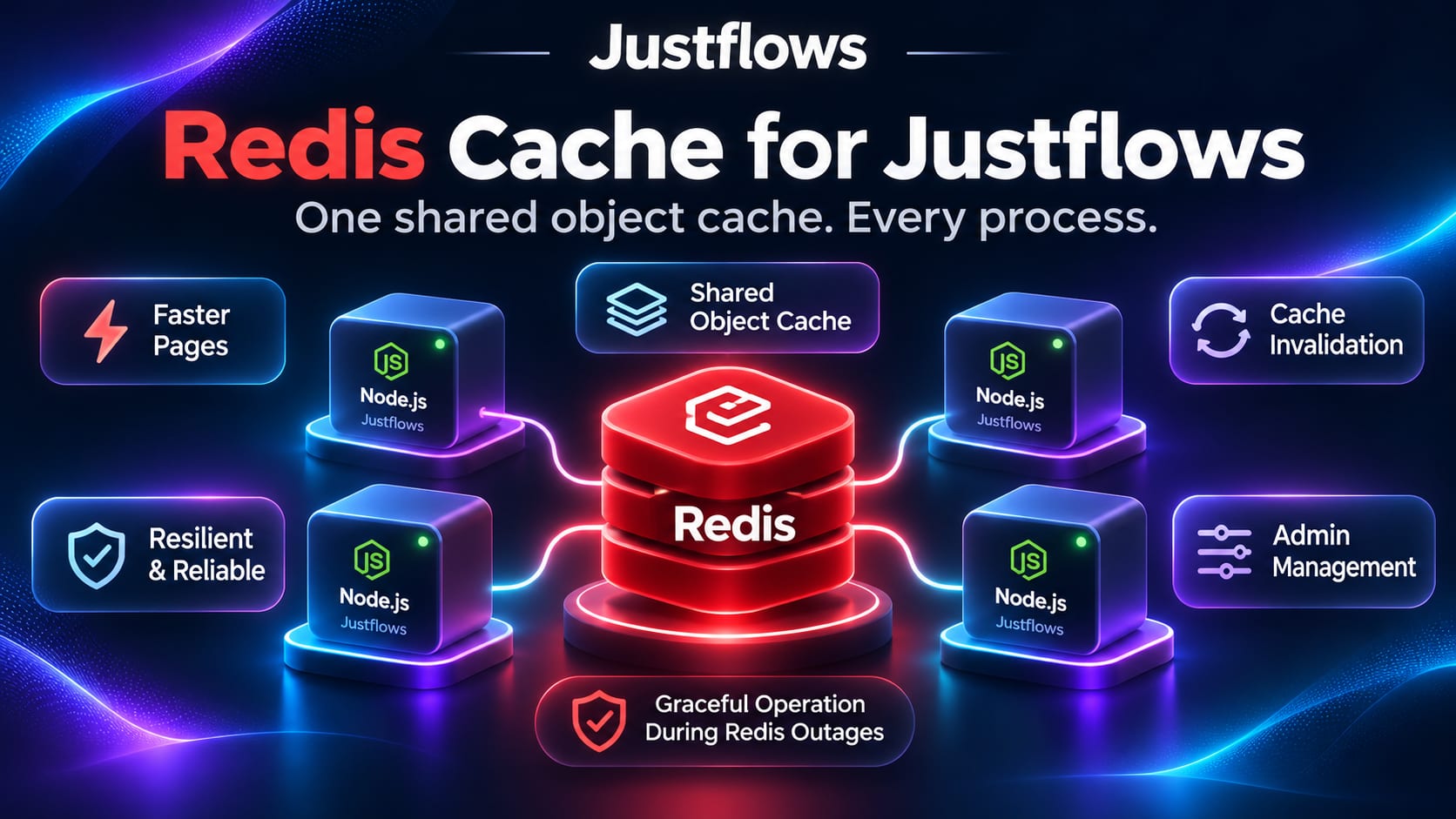
Justflows has always cached rendered pages, content, menus and theme data. On one server that cache lives in memory or on disk, and that works well. Once a site runs on several Node processes or servers, each one keeps its own copy. A page you update is cleared on the process that handled the save, while the others keep serving the old version until it expires.
Redis Cache is a new first-party plugin that solves this. It moves the object cache into Redis, so every process reads and writes the same entries. A page one process renders is a hit on all the others, and a save on one process clears the entry for all of them.
Every setting in the admin
Tools → Redis cache has the whole configuration on one page, styled like the rest of the admin:
- Connection. Host, port, database, an ACL username, and a password. The password is stored encrypted and never sent back to the browser.
- TLS. Turn it on for managed Redis services, verify the server certificate, set the server name, or paste the certificate of a private CA.
- Keys and entries. A key prefix, so several installations can share one Redis server, a maximum lifetime for every entry, and gzip compression for large values.
- Timeouts and reconnects. Command and connect timeouts, TCP keep-alive, and how long to wait between reconnect attempts.
Test connection tries the values in the form before you save them and reports the Redis version and round-trip time. A wrong password is reported without being repeated. After a save, the process that handled it reconnects at once and every other process follows within 15 seconds. No restart needed.
Prefer to configure servers from the outside? Set
REDIS_CACHE_URL and the other REDIS_CACHE_* variables, and the page shows those values read-only. When the connection works, pick Redis (shared by every process) as the driver in Tools → Performance suite.See what is in the cache, and flush it
The same page shows live figures from the server: version, round-trip time, memory used against the limit, the eviction policy, keys in this cache and in the database, hits, misses, evictions and a few sample keys. If Redis is set to
noeviction, the page tells you, because writes then fail when memory runs out.- Flush this cache removes every key under your prefix, for all sites, and leaves other applications' keys alone.
- Flush keys starting with removes one layer, such as
page:html:for rendered pages, in every site. - Run FLUSHDB empties the whole Redis database. It sits in its own danger card and only runs after you type
FLUSHDBand the database number.
When Redis goes away, pages keep working
A cache should make a site faster, never take it down. So an outage costs speed, not pages:
- While Redis is connecting or unreachable, commands fail at once instead of waiting, and pages are rendered without the cache.
- A failed read counts as a miss. A failed write is skipped.
- If an invalidation cannot be delivered, Justflows stops using the cache until it can clear it. No process keeps serving a page that should have been cleared.
- The plugin reconnects on its own, and Tools, Health and Diagnostics show what is going on.
Access follows your roles
Redis Cache registers four capabilities: view the settings, manage them, flush the cache, and empty the database. Administrators hold all four. Under Users → Roles and capabilities you can grant them to another role or to an API key, and a grant scoped to certain sites only counts there. The page only offers the actions you are allowed to use.
Because the cache serves the whole installation, the plugin only takes effect while it is active on the main site. A hosted site's admins never see or change it.
For plugin developers
Redis Cache uses only the public plugin SDK, and Justflows core has no Redis code in it. Core gained one general extension point instead: a plugin with the new
cache:store permission can offer a store for the whole object cache.export function activate(ctx: PluginContext) {
ctx.cache.registerStore?.({
id: "shared",
label: "My shared store",
// Called only when an operator picks this store as the cache driver.
create: ({ defaultTtlSeconds }) => connectToMyStore(defaultTtlSeconds),
});
}The store implements
get, set, delete, invalidate, clear and status. Core handles the outage rules above for every store, so a future store for Memcached or Valkey Cluster would get the same behaviour for free. The extension point arrives with SDK 0.1.9.What it does not do yet
- It talks to a single Redis server. Redis Cluster and Sentinel are not supported yet. Redis 5 or later works, as do compatible servers such as Valkey, KeyDB and Dragonfly.
- Signed-in visitors always bypass the page cache, so you see the effect when you browse as a visitor.
- Justflows does not host Redis for you. You bring your own server or managed service.
Try it
Redis Cache is free, GPL-licensed, and coming to the marketplace. It needs the Justflows release that adds plugin cache stores. A basic install still needs nothing extra: memory and filesystem caching stay built in.
You can follow its progress in issue #18. Questions or problems go to support.justflows.com.
View Redis Cache in the marketplace✌️
Thanks for reading!
Find more posts on the blog or star Justflows on GitHub.