
Space Voyager: a cinematic site that is still just content
A video preloader, a portal that tilts with your mouse, and a jump from Mars to Earth to Venus. Every word and video in it is still a block that you, or your AI agent, can edit.
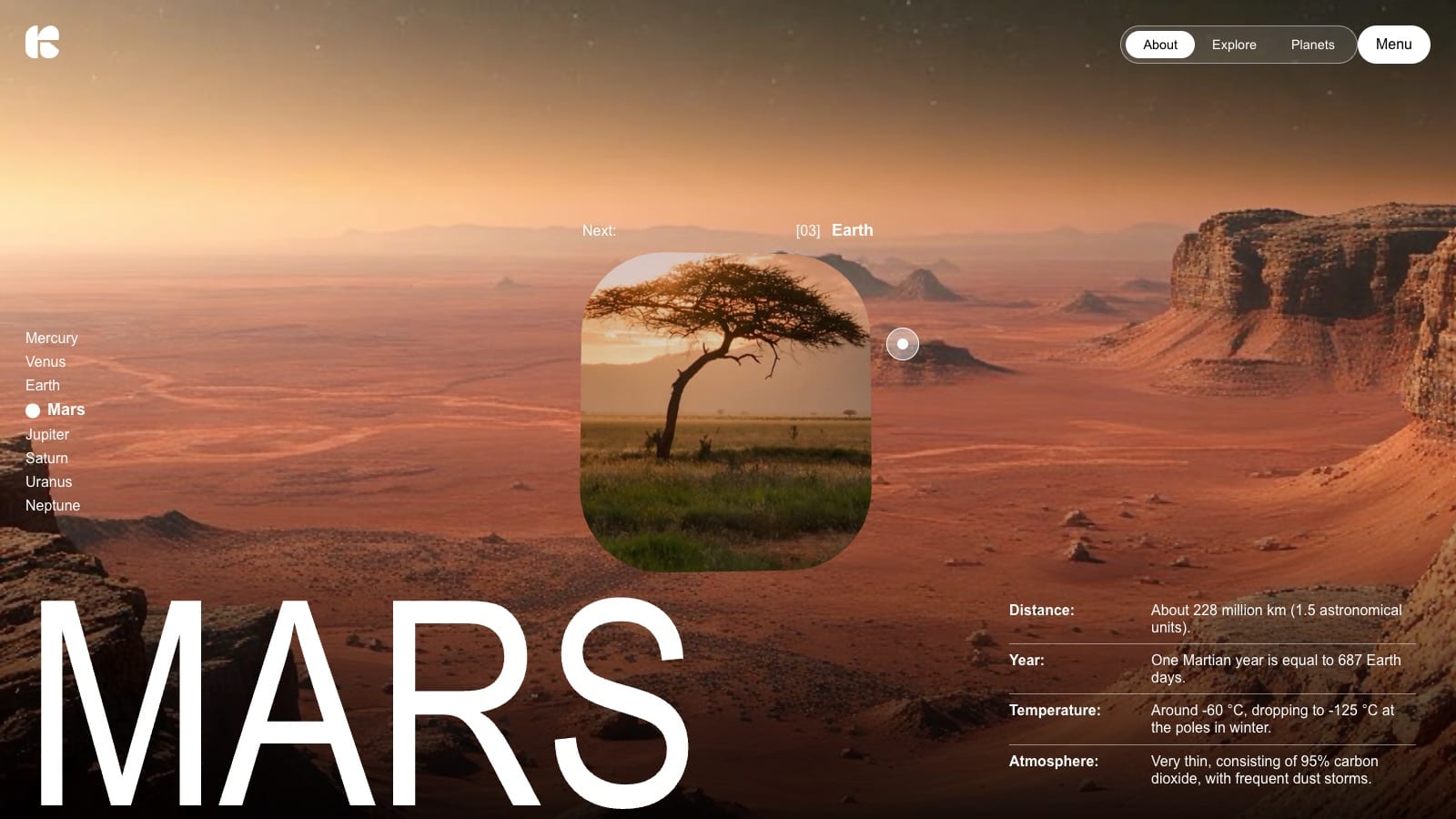
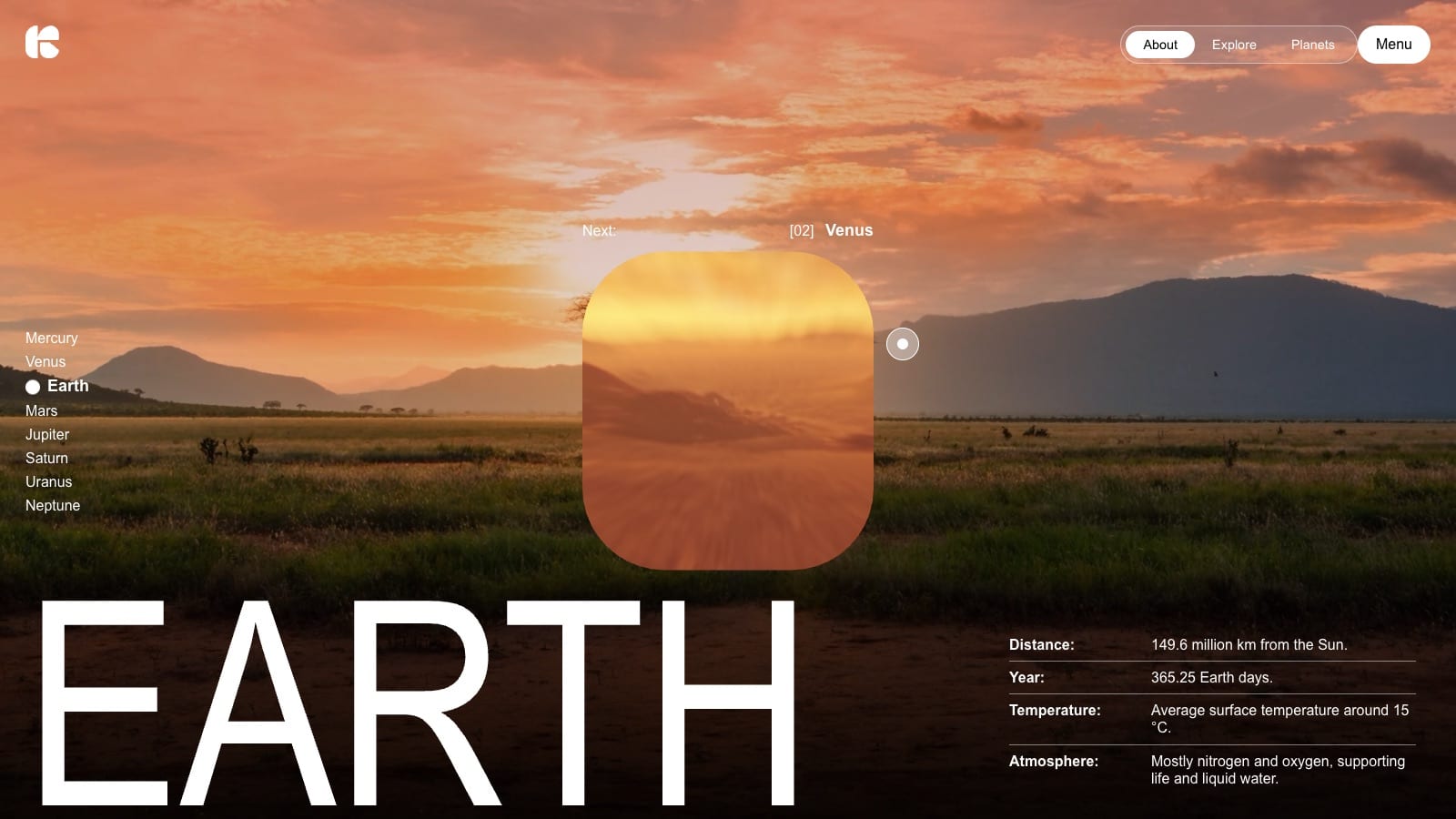
Space Voyager is a demo site that doesn't look like a CMS page. A counter runs while the videos load. A rounded portal tilts as you move the mouse. Click it and the camera dives through to the next planet: Mars, then Earth, then Venus. The facts slide in one at a time.
It runs on a standard Justflows site. Every title, fact and video on it is a block that you can edit in the block builder, or that an AI agent can edit for you. This post covers how the demo is built and why that structure matters once AI is involved.
What you are looking at
The demo uses Space Voyage, a free theme by Sean Galt for Justflows 0.3.6 and later. On the home page it adds:
- a video preloader with a percentage counter, followed by the logo moving into place
- a portal drawn on a canvas that tilts with your pointer, with a custom cursor that reads Enter
- a full-screen jump to the next planet, after which the background video freezes on its last frame
- facts that appear one by one, and a planet list that marks where you are
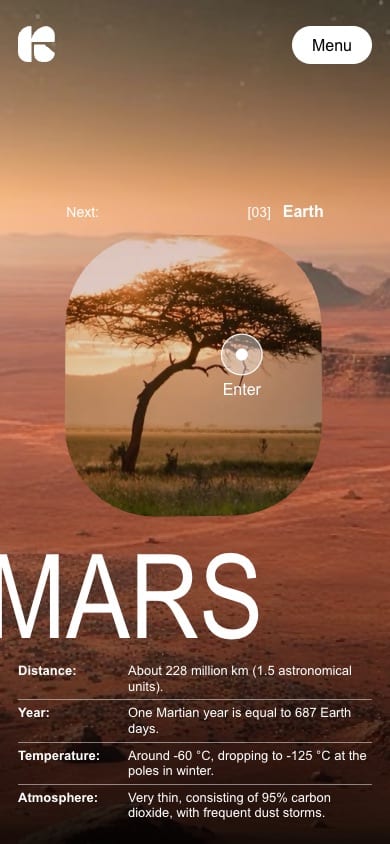
- separate layouts for phones and tablets
The script is about 300 lines of plain JavaScript and loads no external libraries.
Every word and video is a block
Most sites like this hard-code their content into the JavaScript, so changing a fact means a developer and a deploy. Space Voyage keeps its content in the page. The home page is one group block,
sv-experience. It holds a logo, an intro video, a link list for the menu, the planet names, and one group per planet. Each planet group looks like this:{
"type": "core.group",
"props": { "className": "sv-state sv-state--mars" },
"children": [
{ "type": "core.heading", "props": { "text": "Mars", "level": 1, "className": "sv-state-title" } },
{ "type": "core.video", "props": { "src": "…/mars.mp4", "className": "sv-background-source" } },
{ "type": "core.button", "props": { "label": "Earth", "url": "#earth", "className": "sv-destination-source" } },
{ "type": "core.paragraph", "props": { "text": "[03]", "className": "sv-number-source" } },
{ "type": "core.video", "props": { "src": "…/earth.mp4", "className": "sv-portal-source" } },
{ "type": "core.paragraph", "props": {
"text": "<strong>Year:</strong> One Martian year is equal to 687 Earth days.",
"className": "sv-fact-source" } }
]
}The
sv-* class names mark what each block is for. Justflows renders and sanitises the blocks as usual. The theme script then reads the rendered page and builds the experience from it. It takes text from text nodes and video sources from attributes, so content never gets injected into the page as HTML.The editor shows the plain blocks, not the animation. If you change Mars's temperature, swap a video or rename the menu items and publish, the experience uses the new content.
Where AI comes in
Every Justflows site runs an MCP server. Connect Claude, ChatGPT, Cursor or VS Code to it and your agent works with the same blocks you do. It needs no access to the theme code, and you don't need a separate integration. Because Space Voyage keeps everything in blocks, plain requests like these work:
- "Update the Mars facts with the latest figures and keep each one under twenty words."
- "Rename the menu to Story, Missions and Planets."
- "Add a Dutch version of the home page."
- "Use this video as the Earth background."
Behind each request, the agent reads the page, changes the blocks it needs and saves with the version it read. If someone else saved in the meantime, the save is refused and nothing is overwritten. Blocks the site doesn't know are rejected with an explanation. Changes to a published page go into a working revision, so the live site stays the same until someone publishes.
You also decide what the agent may do. An API key or OAuth grant carries only the capabilities you give it, such as editing content but not publishing or installing themes.
What a theme can do, and where it stops
Space Voyage also shows how much a single theme can do, and the limits it works within:
- One declared script. The manifest lists
scripts/planet-jumping.js, and Justflows serves it at/theme.js. It only starts when the wholesv-experiencegroup is on the page, so every other page keeps the normal scrolling and site chrome. - Declared media origins. The videos come from a CDN. The theme names that host in
mediaOrigins, so the site's default security policy allows those videos and nothing more. - Editable colours. The planet glow is a customiser control, next to the usual palette.
- Accessible by default. The menu and portal work with the keyboard. On touch devices the tilt and custom cursor are off. With reduced motion on, the animations are kept to a minimum. If a video fails to play, the page stays usable and offers to retry.
Build your own
A Justflows theme is a folder of plain files: a
justflows-theme.json manifest, stylesheets, JSON templates, patterns, a demo home page and optional scripts. That makes it easy to read, and easy to build with a coding agent working alongside you. Space Voyage is licensed GPL-2.0-or-later, so you can take it apart and see how it works.If you want to try this on your own site: install the theme, open the home page in the block builder, and edit the planets yourself or connect your agent and ask it to.
Take the voyage✌️
Thanks for reading!
Find more posts on the blog or star Justflows on GitHub.