
Justflows 0.4.1: content visibility, backups you can restore, and a stronger security baseline
Restrict content to roles, users or plugin rules, back up and restore any site or subsite, and get a Security Center that checks signed advisories, reports backup evidence and alerts you on high-value events. Plus Stripe in Shop, lighter pages and new plugin SDK hooks.
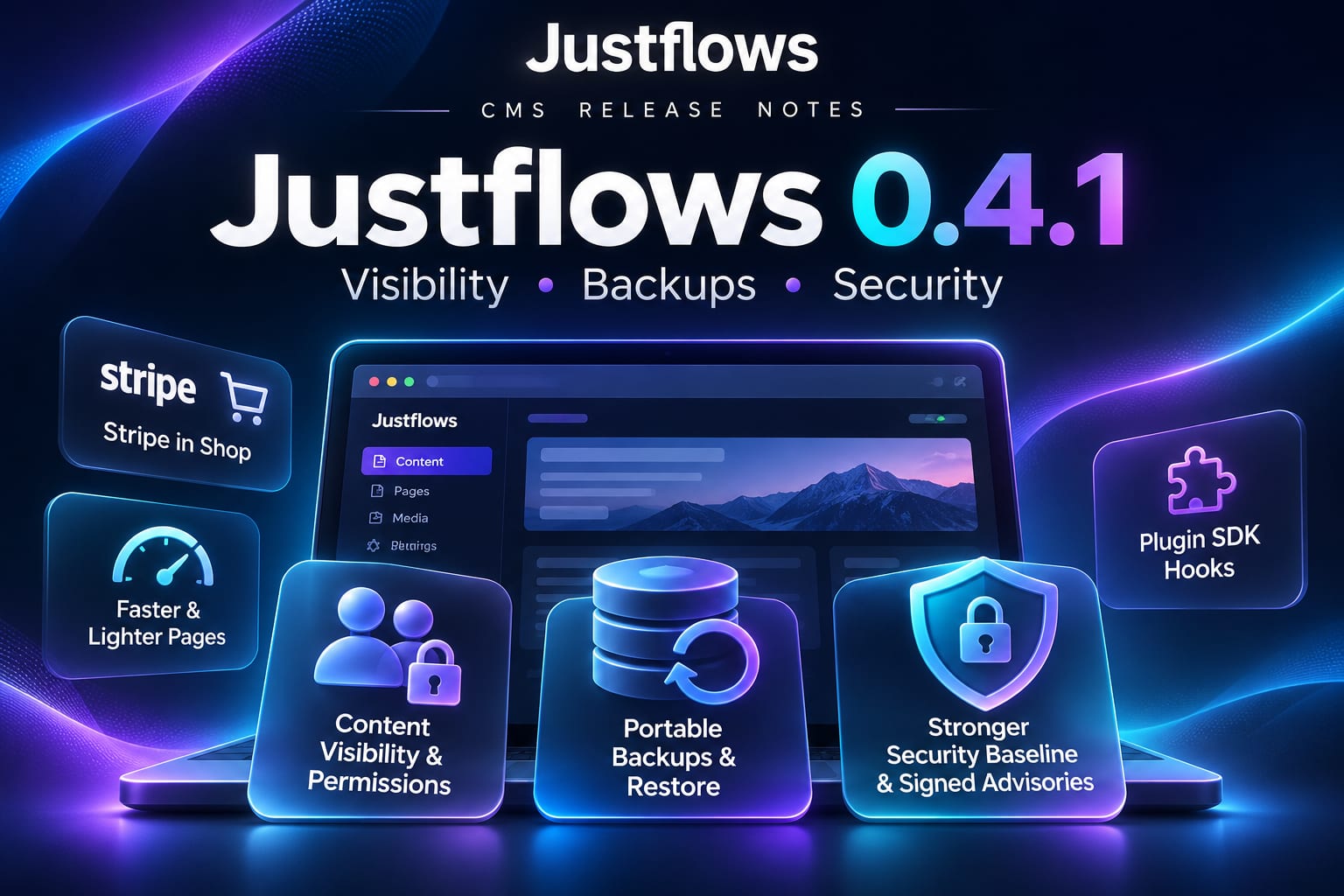
Justflows 0.4.1 is out. Three themes run through it: deciding who may see each piece of content, making a site something you can back up and actually restore, and raising the security baseline across the whole project. Along the way, Shop gained full Stripe support, public pages and the admin got noticeably lighter, and plugin authors got a set of new SDK hooks.
Content visibility: decide who sees what
A content type can now set a default visibility rule, and an entry can override it for all its translations. A rule allows or denies by role, by named user, or by a rule a plugin registers, and a Check access tool shows which rule decided for a given visitor.
A hidden entry is hidden everywhere at once: it answers 404 and is left out of lists, totals, search, menus, sitemaps, feeds and exports. Pages with a rule are never cached or statically exported. When a rule is missing, fails or gives an invalid answer, the answer is deny. One thing to keep in mind: files used in a hidden entry stay reachable at their direct URLs.
We wrote a separate post on how this works, including subscriber-only content with Shop: Content visibility: members-only and subscriber-only content in Justflows.
Backups you can restore
Admin → Tools can now create, validate and restore a portable site backup. The backup runs as a cancellable job with progress, and produces database-independent JSON with a versioned manifest and SHA-256 integrity check. It holds your content and design configuration, the plugin and theme inventory, and the original media from local or S3 storage. If media is missing, creation stops instead of handing you an incomplete backup.
- Restore is safe by design. It goes into a clean target, keeps that target's administrator and secrets, and rolls back database and staged-file changes if anything fails.
- Every site on its own. The installation root can back up the root site, or write a separate file for every subsite in its workspace, each read through its own database without crossing tenant boundaries. A file can be restored into the selected site without touching the others.
- Off-site delivery. Backup jobs can send archives to FTP/FTPS, email or an external S3-compatible bucket. Destination credentials are stored encrypted, never sent back to the browser and never written into an archive. Email attachments are limited to 10 MB; larger backups go through download, FTP or S3.
- Evidence, not a checkbox. The Security Center's backup check now looks at the automatic backup state and warns about a failed or stalled schedule. A backup that was merely created never counts as a pass.
A stronger security baseline
This release works through security from threat model to release process.
- Plugin updates cannot quietly gain permissions. When an update adds permissions, upload, Marketplace install and manual update all show the new permissions and stop until an administrator approves. Approvals are recorded in the audit log, and automatic updates wait for a manual update instead.
- No silent downgrades. Manual and automatic Marketplace updates refuse an equal or older version before downloading anything.
- Signed security advisories. The Security Center checks your installed versions against an advisory feed verified with the pinned release key. A tampered, replayed, expired or unreachable feed shows as unknown, never as clear, and a withdrawn version shows as a failure with a recovery path that keeps your data.
- Security events you can work with. A focused view of authentication, MFA, session, API key, privilege, extension, update and configuration events; opt-in, redacted email alerts (at most ten per site per hour); and export, retention and deletion controls with bounded storage per site.
- Site boundaries hold. Reading, updating or deleting a user from another site returns not found, and a subsite's Security Center only shows checks that belong to that site.
- Proxy trust by name, not by position.
TRUST_PROXYtakesfalse, named ranges, or explicit addresses and subnets. See Upgrading below for what happens to existing values. - A core file manifest in every signed release. The archive lists the files an update replaces, so an update can check them after copying.
- CI guards the release. Security regressions run against real PostgreSQL and MySQL, a committed credential fails the build, and packaging stops if the SBOM is missing, describes another version or leaves out a direct dependency.
The documentation grew with it: a threat model, an incident response guide, a security release runbook, an extension trust reference and review requirements, self-hosting security guidance for Docker, nginx, Apache/LiteSpeed, Passenger and plain Node, and a provider-neutral guide for putting a CDN or WAF in front of Justflows.
SECURITY.md now states the supported versions and how reports are handled.Stripe in Shop
Shop now has full Stripe support: Payment Element or hosted and embedded Stripe Checkout, Payment Links, Apple Pay, Google Pay and Link, regional and delayed methods such as SEPA Direct Debit, saved payment methods, Stripe Billing subscriptions, and refunds, disputes and Radar signals. Shop registers and manages the webhook endpoints itself, and failed deliveries can be replayed from the admin.
The full tour is in Stripe in Justflows Shop: checkout, wallets, subscriptions and disputes.
Lighter pages and a faster admin
- Public pages load only the scripts they use. Menu, notice, sign-in, animation and interactive-block scripts load only when a page contains that markup, so a plain page loads 1 KB of core script instead of 8 KB. The menu and notice scripts no longer hold up the first paint.
- Browsers keep what they downloaded. Core scripts,
theme.cssandtheme.jsuse content-versioned URLs, so a repeat visit makes no revalidation requests for them.theme.jsis left out when a theme has no scripts. - The admin loads per screen. Opening the dashboard now downloads about 154 KB of compressed JavaScript instead of 546 KB, in 5 requests instead of 10. The page builder, math formulas and animations load only with the screens that use them.
Plugin SDK: what plugin authors get
SDK 0.1.8 adds:
- Visibility rules.
ctx.visibility.registerRuleadds your own rule type next to roles and users. - Per-block assets.
assets.blocksmaps your block types to scripts and stylesheets that load only on pages rendering that block, andassets.markupdoes the same for pages that contain given markup. Themes getassets.blocksfor any block type injustflows-theme.json. - Your own sidebar section. Menu items with
domain: "plugin"get a section for your plugin, named and given an icon withadminSection. - More places for your admin app.
workspacePanelsadds a card to Platform → Workspace, aneditorPanelsentry withappembeds a screen in the content editor, andbridge.setLayout("fill")gives your screen the whole content area. - Network features. A website flag
<plugin id>.enabledgives your plugin an on/off switch in a website's Features list, andctx.network.mainSiteSecretslets a subsite read (not write) the connection the main site saved. - A
comments.createdaction for new pending or approved comments, carrying ids and status only.
A custom visibility rule looks like this (from the hello-world example plugin):
ctx.visibility.registerRule({
  id: "team-member",
  label: "Team members",
  scope: "viewer",
  fields: [{ name: "team", label: "Team", type: "select", required: true, options: [/* … */] }],
  evaluate({ viewer, params }) {
    if (!viewer.authenticated) return { effect: "deny", reason: "sign_in_required" };
    return viewer.roles.includes(String(params.team))
      ? { effect: "allow", reason: "team_member" }
      : { effect: "deny", reason: "not_on_team" };
  },
});
Core also took another step out of plugin territory: the Helpdesk and Shared files sidebar groups are gone from core, and a plugin brings its own section instead. A menu domain the host does not know falls back to Extensions instead of stopping activation.
Fixes worth knowing about
- Plugin installs and updates work on a release install again. The bundled server could not find its archive worker, so every
.jfpkginstall or update stopped with "Archive processing failed". - Translations keep their entry's dates. Every language of an entry now shows the same creation and publish date in lists, feeds and on the page.
- Platform signup settings keep the separate database. Saving Admin → Platform could move new signups onto the installation database.
- Stripe checkout retries reuse the failed order instead of creating a duplicate.
Upgrading
- One database migration:
0052_translation_group_datesgives existing translations their group's dates and leavesupdated_atalone. It runs automatically. TRUST_PROXY: a site still set totrueor a hop count boots onloopback, logs a warning and keeps running, so the update never takes it offline. If your reverse proxy runs on another machine, set its address, or every visitor appears as that proxy.- Plugin updates that add permissions now wait for your approval, including automatic ones.
- Shop: the Stripe features come with Shop 0.3.2 from the Marketplace.
The release ZIP comes with a SHA-256 checksum, a signature and a CycloneDX SBOM, all attached to the 0.4.1 release on GitHub. Sites on 0.2.7 or later check the signature before they install an update.
Read the full changelog✌️
Thanks for reading!
Find more posts on the blog or star Justflows on GitHub.